Test documentation #
The consultant gets the test script already loaded, runs each step, marks it OK or NOK and attaches the evidence. Hadex generates the cycle document (SIT/UAT), ready for sign-off. Nothing is retyped.
For SAP and ERP projects: test documentation and user training from the same recording, ready before go-live.
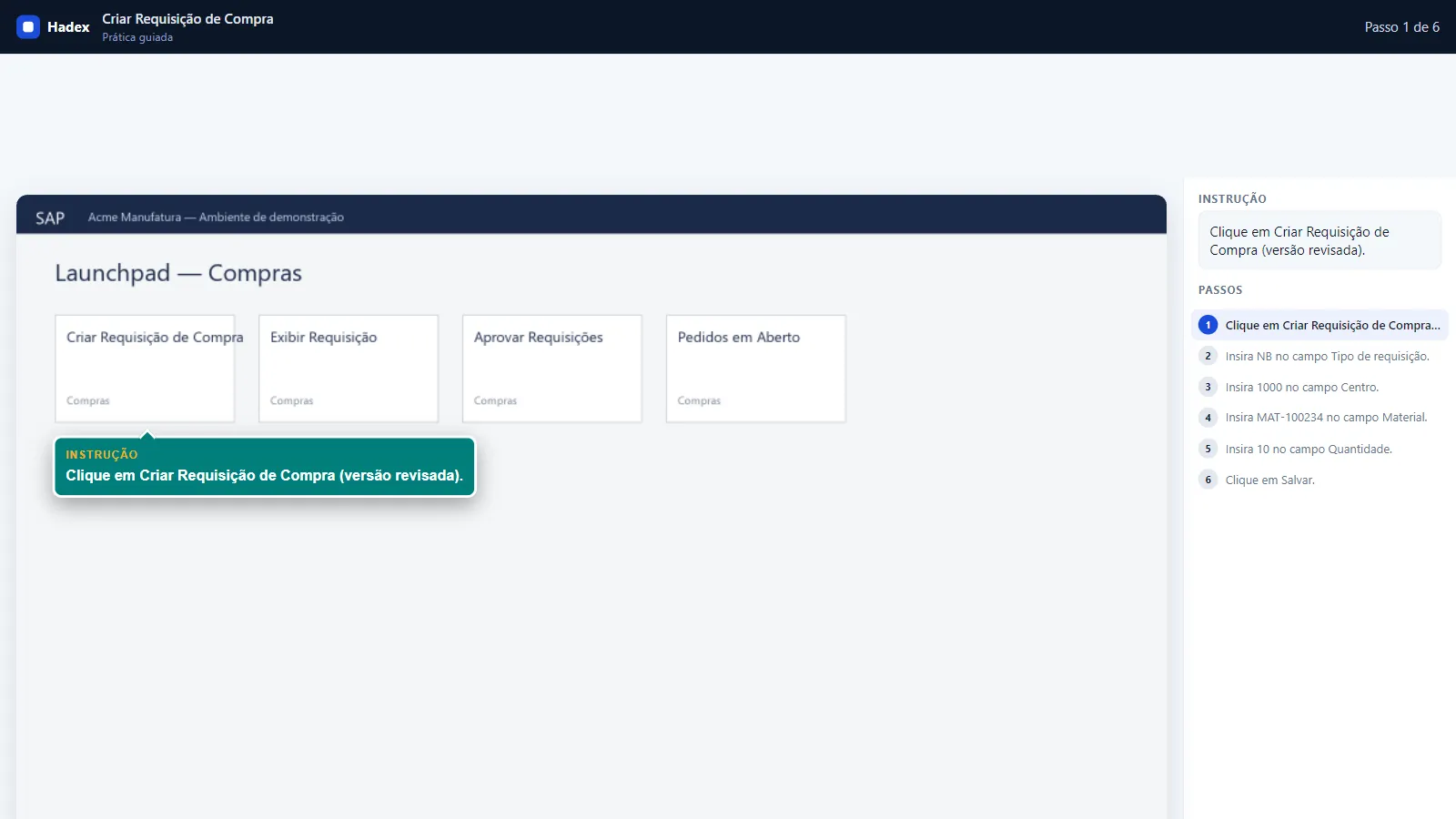
In the project
The consultant gets the test script already loaded, runs each step, marks it OK or NOK and attaches the evidence. Hadex generates the cycle document (SIT/UAT), ready for sign-off. Nothing is retyped.
The same recording becomes a narrated video, a step-by-step guide, a guided SCORM simulation and a graded assessment, ready for the LMS before go-live.
What the project already has to do in order to test is what Hadex uses to train.
IF YOU USE SAP ENABLE NOW
This section is for those who already have a content library in Enable Now. If that is not your case, go on to the diagnostic or the demo.
Apr 22, 2025
end of sale for new contracts
Mar 31, 2025
last feature update
Apr 30, 2027
last possible renewal (Cloud)
Nov 30, 2030
end of maintenance
WalkMe Learning Arc is the official path for in-application help. Hadex covers what is left out: the content library and content production.
How it works
01
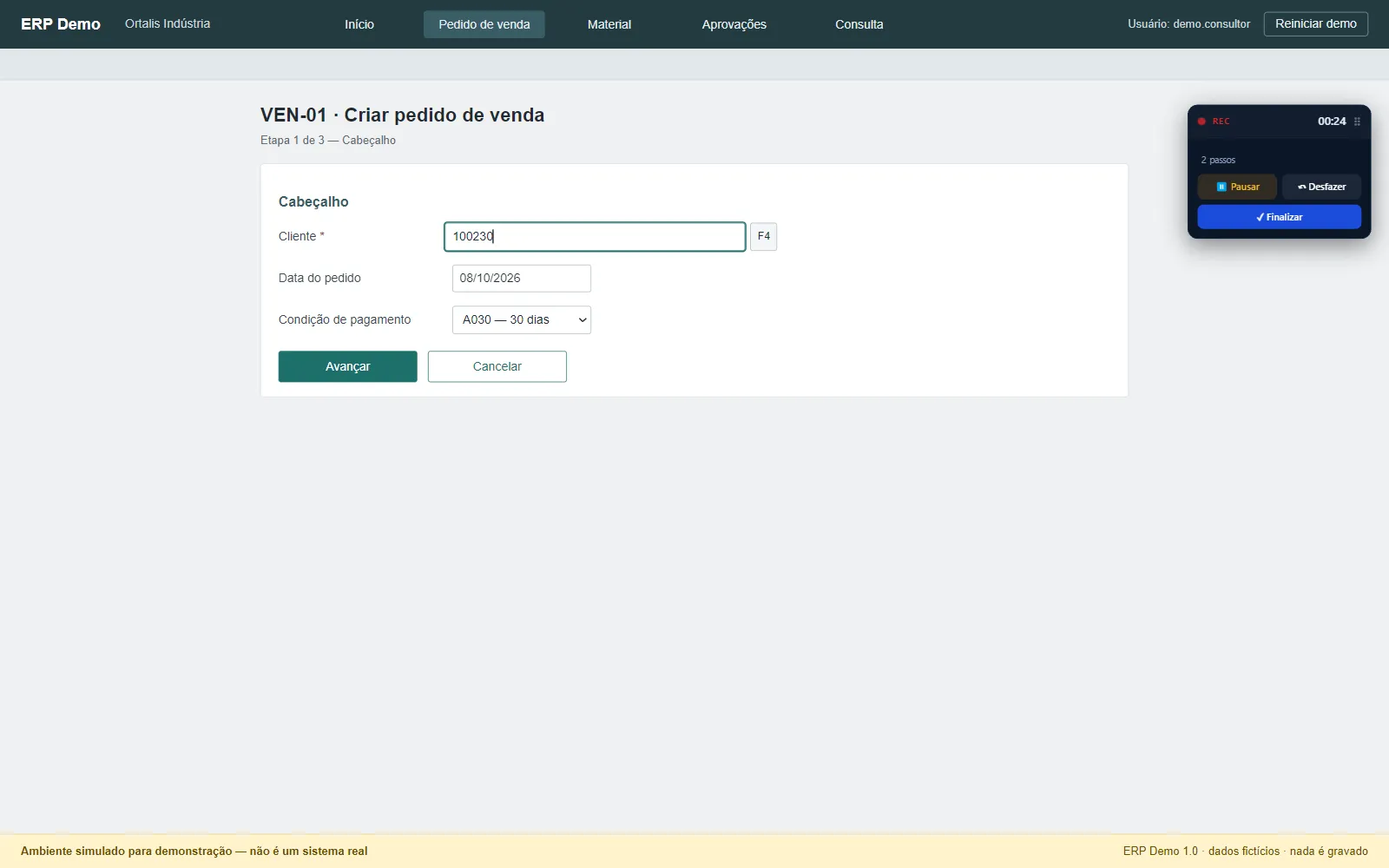
During the test, every step performed in SAP, Fiori or another ERP is recorded, with the screen and the action. In the browser or in the desktop application.
02
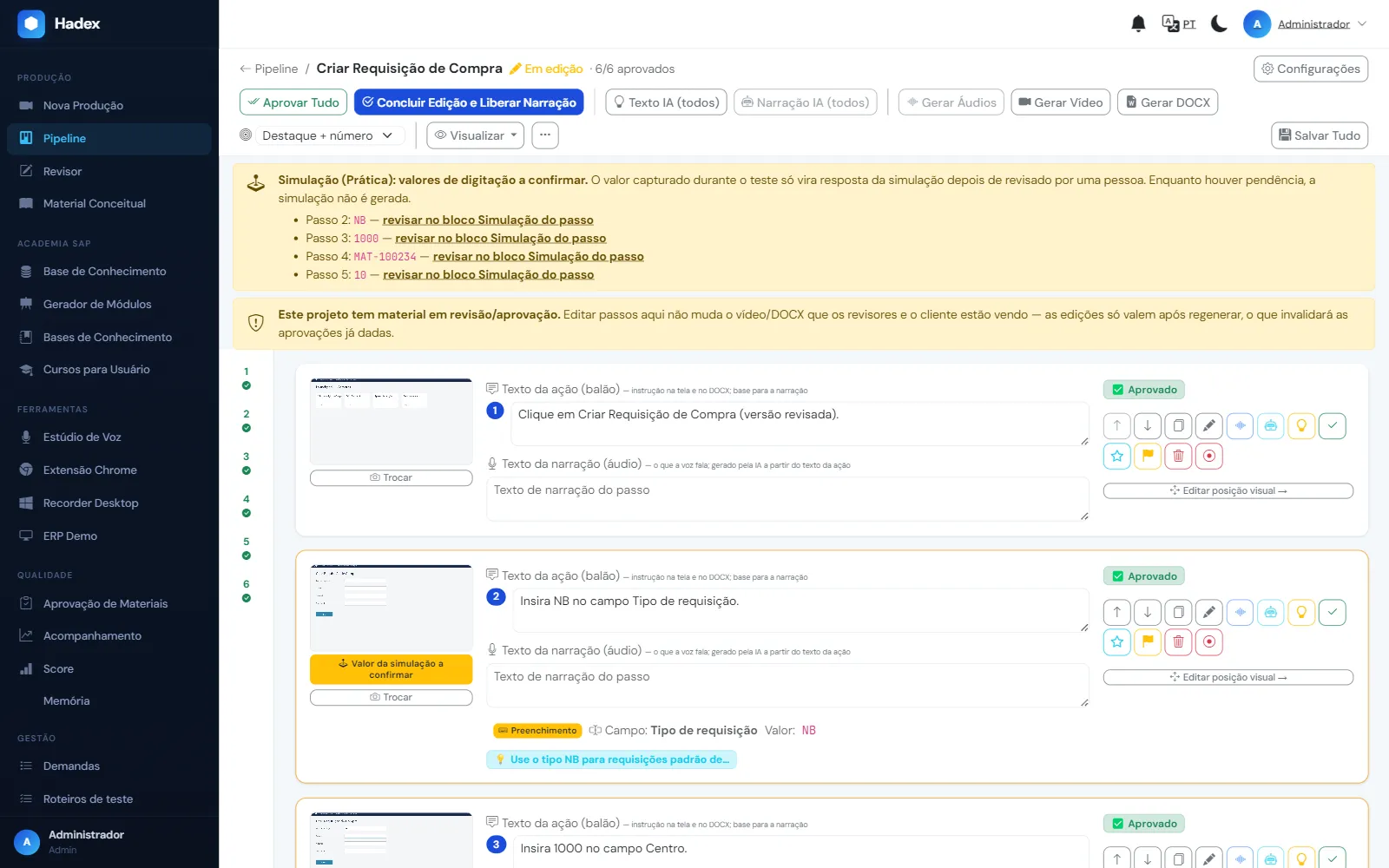
You check the steps, the action markers and the texts, adjust the narration and approve before anything is delivered.
03
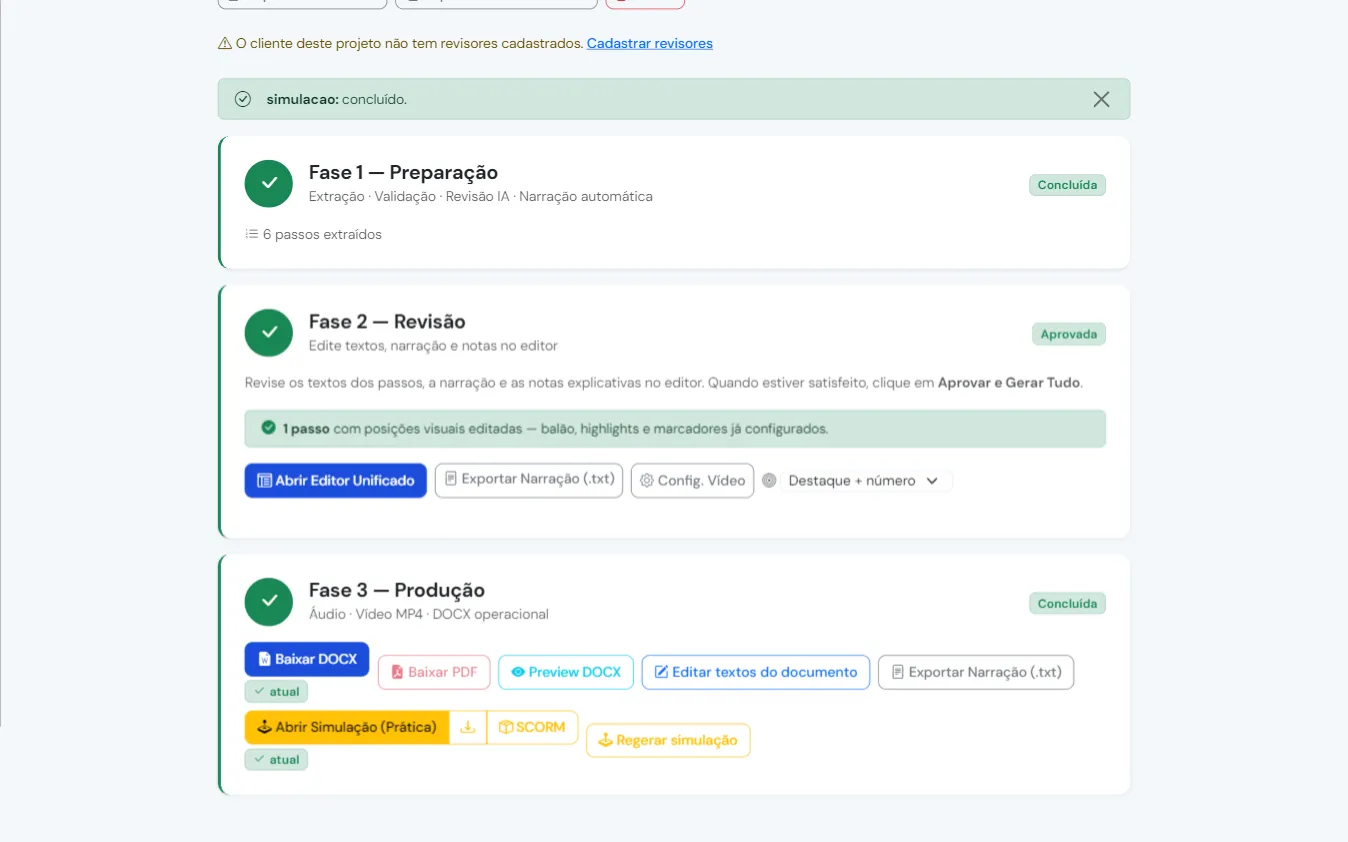
The training materials and the test document come out ready, in the formats your LMS and your project use. See the list below.
Systems
Hadex records where the project happens: in the browser and in SAP GUI.
VALIDATED IN PROJECTS
Used in real projects, with test documentation and training delivered.
WORKS OUT OF THE BOX
The browser extension records the screen, the clicks and the fields with nothing installed in the system.
UNDER VALIDATION
Moves to 'validated' after the first documented project.
Desktop applications other than SAP: talk to us before the project. For Sage X3 projects
What you get
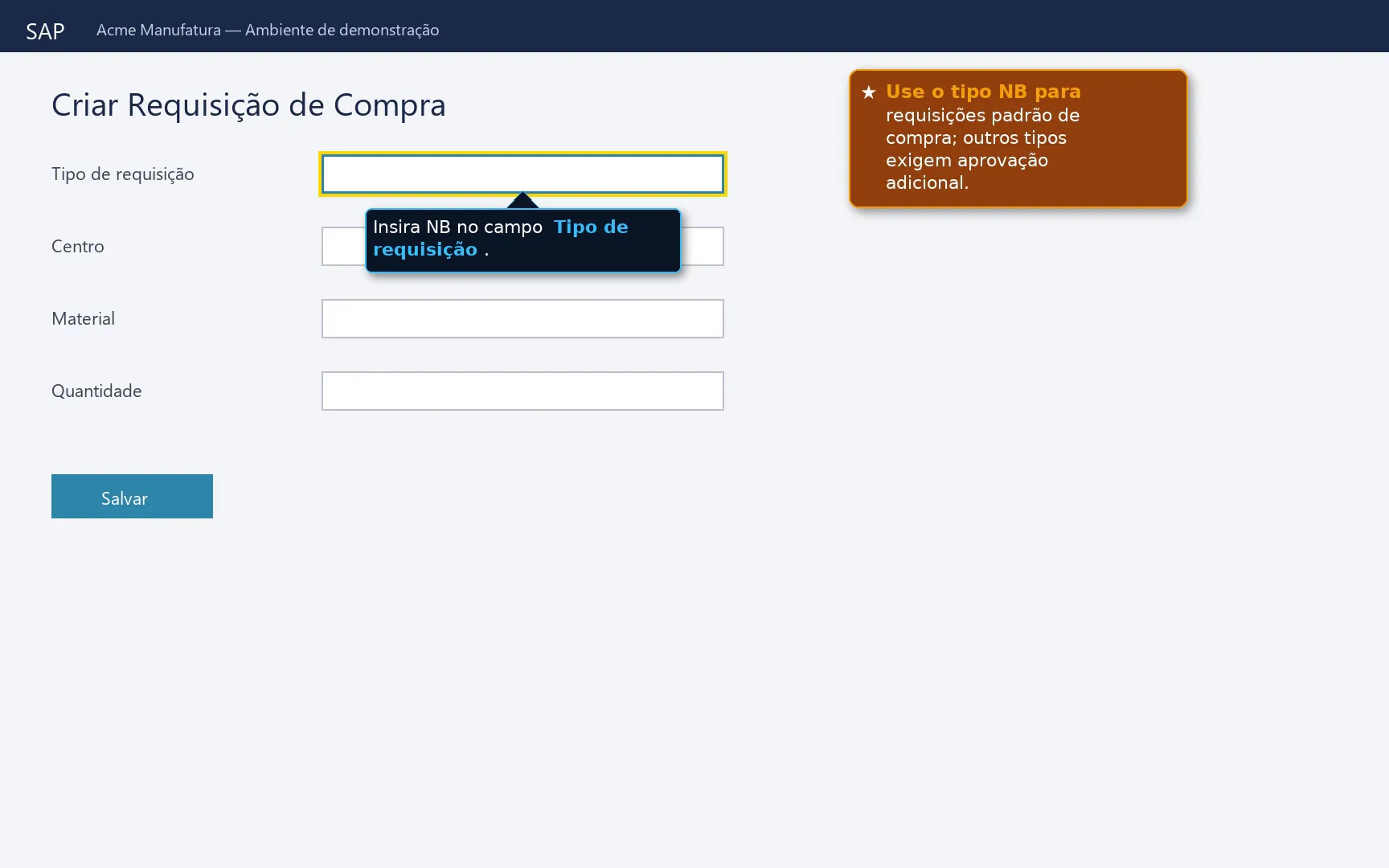
For users to watch before go-live and refer back to later, in the LMS or on the intranet.
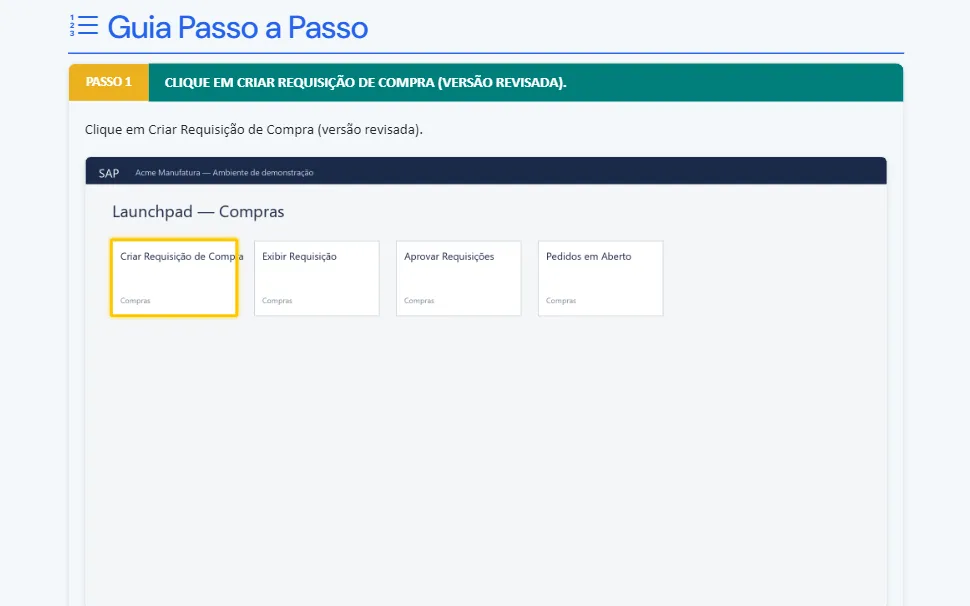
Step by step with the screens, for the user's desk and for the knowledge base.
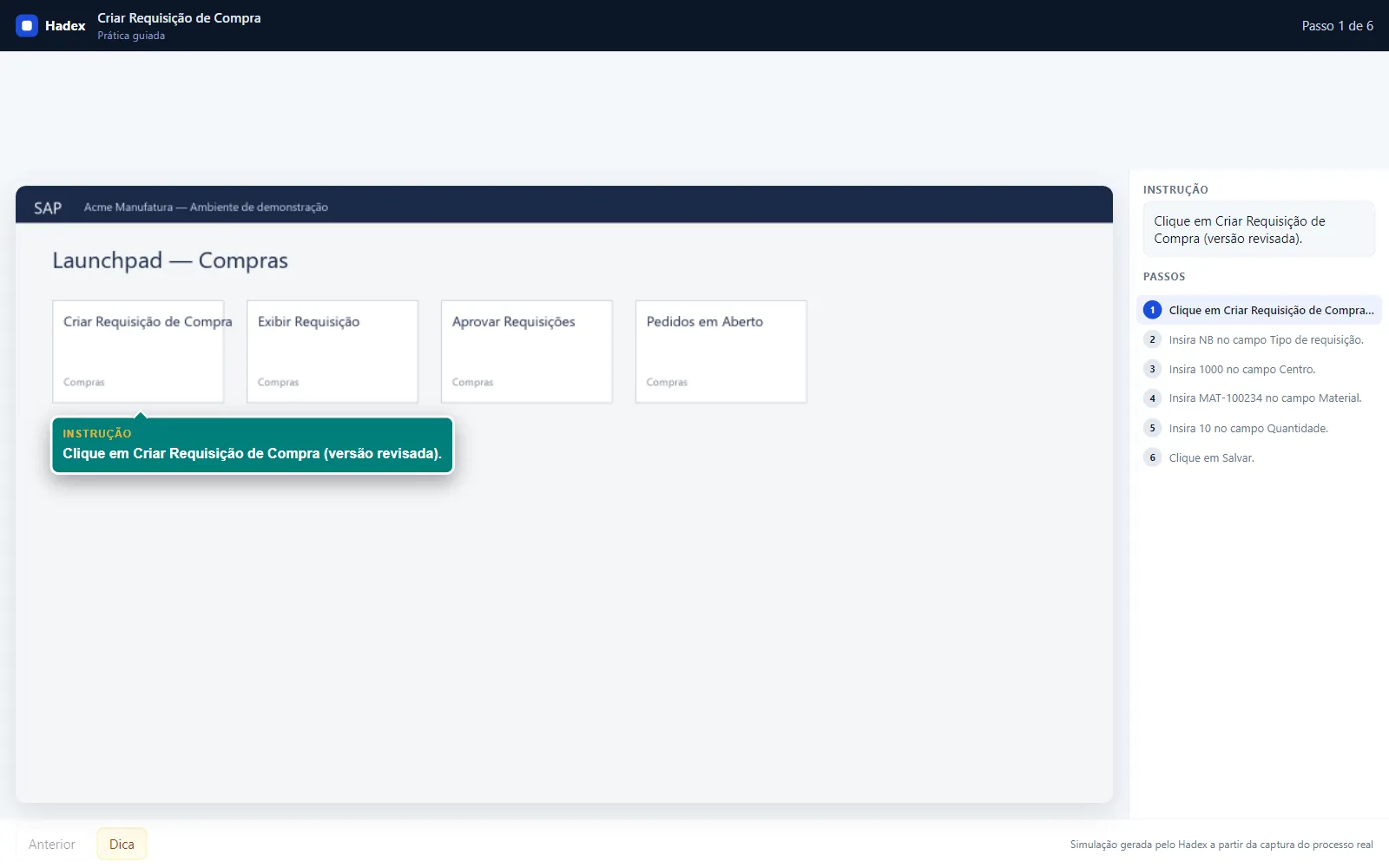
Published in your LMS: the user practices every action before entering the system.
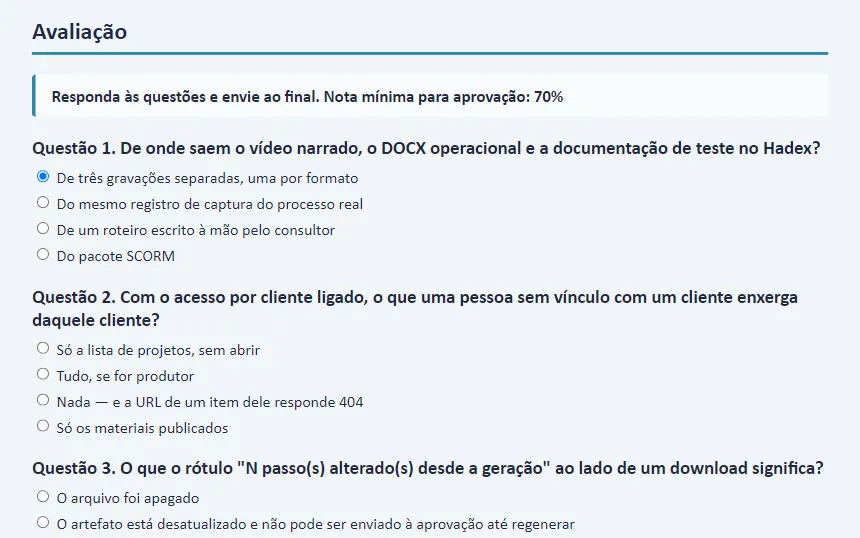
Graded, with feedback per question, to prove the training to the LMS and to auditors.
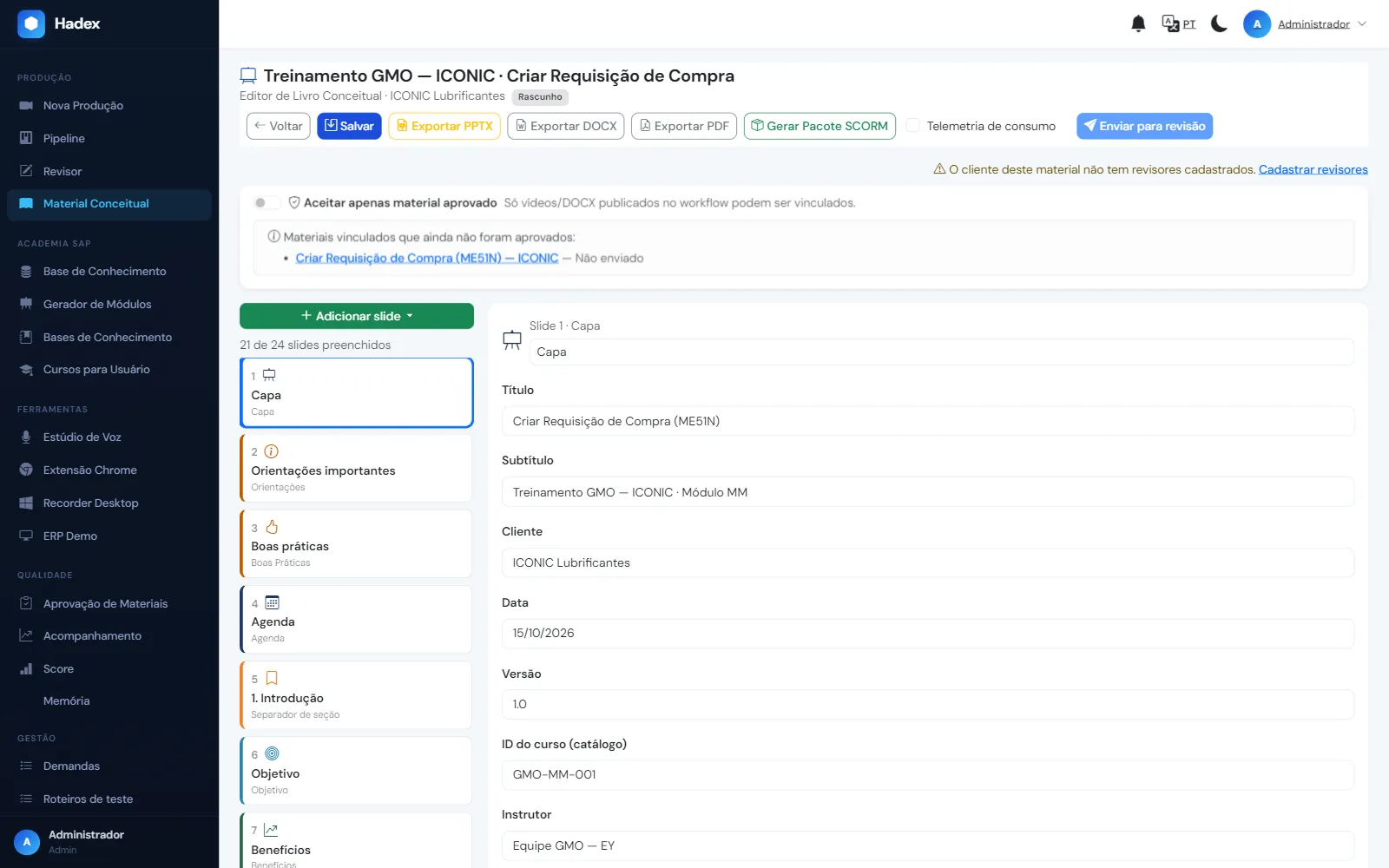
For the training room and for presenting the process to the business areas.
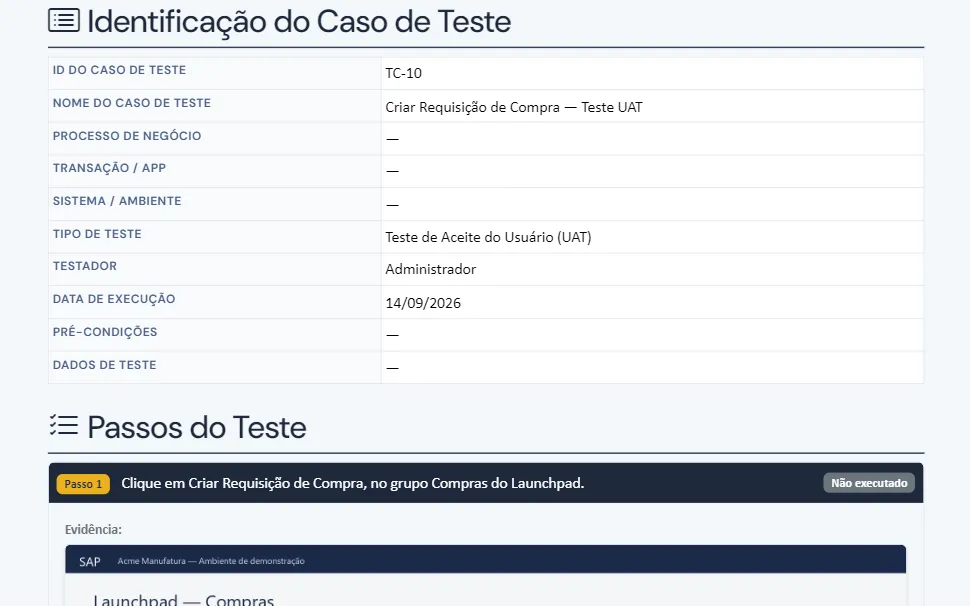
Executed test script with OK/NOK and evidence, ready for cycle sign-off.
Who it is for
Get in touch
See your content outside Enable Now within 5 business days
You send 3 to 5 Enable Now packages (ZIP/DKP). Within 5 business days we return that content converted — SCORM with guided simulation, PDF guide and narrated video — with an estimate of the effort for the full library. NDA before sending; screen data anonymized by Hadex.
Live, with a process from your project
Watch Hadex record a test process and generate the training, live, with a process from your project. For teams in SAP and ERP implementations, rollouts or upgrades.
FAQ
For in-application help, Learning Arc is the path. The question is who produces and updates the content, and in which format it lives. Hadex generates SCORM and Office files, which run on any platform — including alongside WalkMe.
For maintenance, yes. The product has not evolved since March 2025, and every new piece of content built in it is one more to migrate later. Cloud contracts are not renewed after April 2027.
The Hadex simulation is guided practice: the user performs each action to move forward. Learning verification happens in the Assessment, graded with feedback per question.
That is why it is installed in your infrastructure and the content comes out in open formats. If Hadex ever leaves the stage, the content remains yours.
Great. We present Hadex to them: the consultancy records during testing and delivers more with the same hours.
Yes: a Chrome extension for Fiori, S/4HANA and any web system; a Windows recorder for SAP GUI and desktop applications. Totvs, Senior, Oracle and Salesforce follow the same flow.
Partners
Joint Consulting — offers Hadex and runs SAP projects.
FOKUS Consulting — partner for the Sage X3 ecosystem, in Brazil and Portugal.
The partners operate independently of the vendors of the systems mentioned.